Sign In to Your Account
Access your fc66 account — check balance, claim bonuses, and play 3,700+ games. New here? Create a free account.
No account yet? Register now — takes under 2 minutes
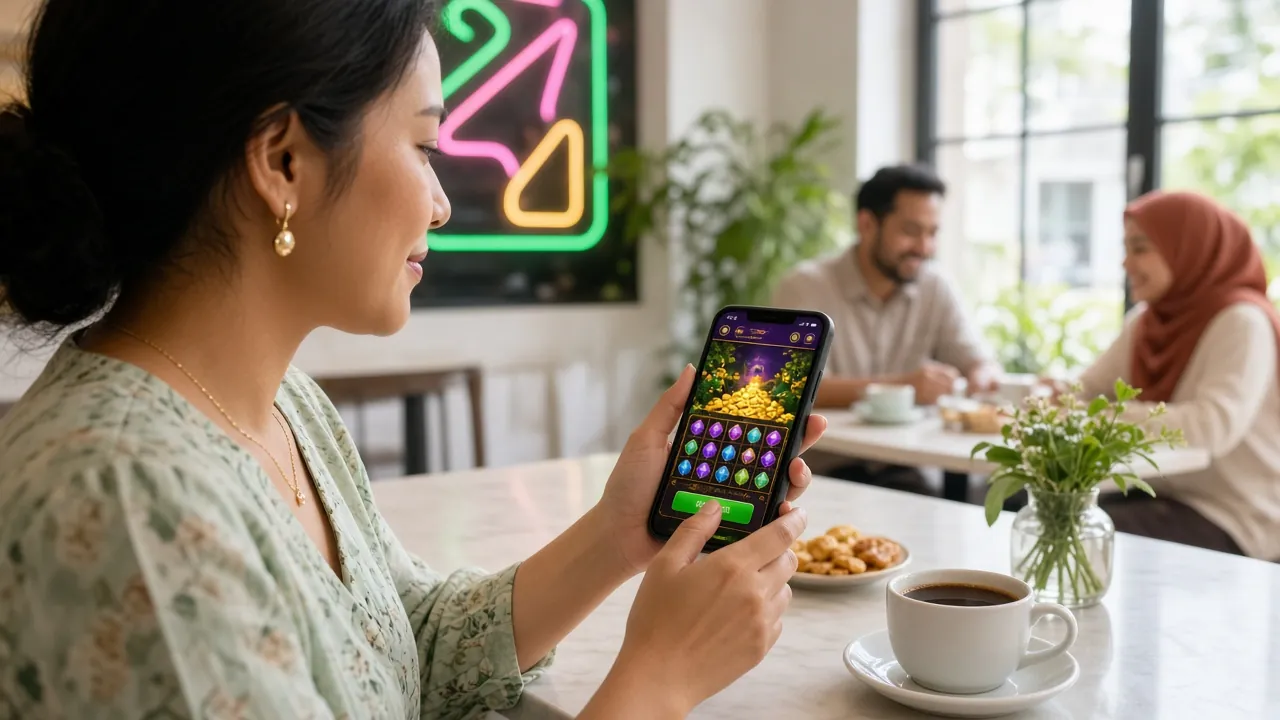
The fc66 login page is your gateway to Malaysia's fastest-paying online casino. Once signed in, your RM balance, active bonuses, and full game library load immediately — no extra steps required.
Deposits credit in under 1 minute via Touch 'n Go, DuitNow, FPX, or Bank Transfer. Withdrawals clear in as little as 3 minutes, with a daily limit of RM16,000 at the base tier.
- SSL Encrypted
- 24/7 Live Chat
- DuitNow · FPX · TnG
- 18+ · Play Responsibly
How to Log In to fc66: Step-by-Step
Whether you are on a desktop browser or the fc66 mobile app, the login process takes under 30 seconds. Follow the four steps below.
-
1
Go to the fc66 Login Page
Open your preferred browser and go to fc66.info/fc66-login/, or tap the Log In button in the navigation bar. Bookmark the page so you always land on the correct, official domain — never a third-party mirror site. On Android, you can also open the fc66 App v2.0.13 and reach the login screen directly from the home screen.
-
2
Enter Your Mobile Number
Type the Malaysian mobile number you registered with — include the country code if prompted (e.g. +60). The number field uses
inputmode="tel"on mobile so your numeric keypad opens automatically, making it faster to fill in without switching keyboards. -
3
Enter Your Password
Key in your account password. Tap the eye icon on the right of the password field to toggle visibility if you need to double-check what you typed. Passwords are case-sensitive — make sure Caps Lock is off. If you are on a personal device, tick Remember me to stay signed in for 30 days without re-entering credentials each visit.
-
4
Tap "Log In" and Start Playing
Press the green Log In button. You will land on your personal dashboard showing your RM balance, active bonuses, and recently played games. From here you can deposit via Touch 'n Go eWallet or DuitNow in under 1 minute, then jump straight into the fc66 Casino lobby with 3,700+ titles ready to play.
Which Login Method Suits You?
fc66 supports three ways to access your account. Each works for full gameplay; the difference is convenience and the device you are on.
| Method | Best For | Credential Required | Auto-fill / Biometric | Notes |
|---|---|---|---|---|
| Mobile Number + Password | Desktop browser, first-time users | Registered phone number + password | Browser password manager | Works on all browsers; most reliable option if you switch devices frequently |
| fc66 App (Android) | Daily mobile players, quick access | Same phone number + password | Fingerprint / face unlock (Android 8.0+) | App v2.0.13, 45 MB, free download at /fc66-app/; faster load time on mobile networks |
| Browser Saved Login | Returning players on personal devices | Saved by browser / password manager | One-tap autofill | Enable "Remember me" on first login; only use on a device you own — never a public or shared computer |
Not registered yet? Create your fc66 account — minimum deposit is just RM20, and your first deposit earns a 160% bonus up to RM800.
Login Problems? Troubleshoot Here
Most fc66 login issues are resolved in under 2 minutes. Match your symptom in the table below and follow the fix.
| Problem | Likely Cause | How to Fix It |
|---|---|---|
| "Invalid credentials" error | Wrong phone number format or incorrect password; Caps Lock on | Re-enter your number without spaces (e.g. 0123456789). Check that Caps Lock is off — passwords are case-sensitive. Use the eye icon to confirm what you have typed before submitting. |
| Account temporarily locked | Five or more failed login attempts within 15 minutes trigger an automatic lock for security | Wait 15 minutes for the lock to lift automatically, then try again. If you still cannot get in, initiate a password reset (see the Forgot Password section below) or contact 24/7 Live Chat for manual unlock. |
| OTP / verification SMS not received | Network delay, incorrect number on file, or number blocked by telco spam filter | Wait 60 seconds, then request a new OTP. Check that your SIM has signal and is not in flight mode. If the number on file is outdated, contact Live Chat with your registered phone number to verify your identity and update it. |
| Page stuck loading / blank screen | Browser cache conflict, outdated app version, or slow mobile data | Hard-refresh your browser (Ctrl + Shift + R on desktop, or clear cache in mobile browser settings). App users: update to fc66 App v2.0.13 via the App download page. Switch from mobile data to Wi-Fi if signal is weak. |
| Password reset email / SMS not arriving | OTP sent to an old number, or message filtered as spam | Check your spam / junk folder if using email-linked accounts. For SMS OTP, ensure the correct Malaysian number is registered. If you no longer have access to that number, reach 24/7 Live Chat with your National ID for identity verification before reset. |
| App crashes immediately on open | Android version below 8.0, or corrupted APK installation | The fc66 App requires Android 8.0 or later. Go to Settings → About Phone → Software Information to confirm your Android version. If eligible, uninstall the current APK and re-download the latest 45 MB build from /fc66-app/. |
Keeping Your fc66 Account Safe
Your account holds real RM — treat it the same way you would your online banking. These five habits take under a minute each to set up and protect you from unauthorised access.
-
Use a Strong, Unique Password
Choose a password that is at least 10 characters long and mixes uppercase letters, numbers, and symbols. Never reuse your banking or email password on fc66. A password manager (built into Chrome, Samsung Internet, or apps like 1Password) can generate and store a strong one for free.
-
Enable Biometric Login on the App
The fc66 App v2.0.13 on Android 8.0+ supports fingerprint and face unlock. Once set up, you can log in with one touch instead of typing your password every time, without sacrificing security. Enable it under App Settings → Security → Biometric Login.
-
Avoid Public Wi-Fi for Deposits
Free Wi-Fi at mamak stalls, airports, and shopping centres is unencrypted and can be intercepted. If you need to deposit or withdraw while out, use your mobile data connection (4G/5G) instead. The fc66 login page always runs over HTTPS — look for the padlock icon in your browser's address bar.
-
Never Share Your Login Credentials
fc66 support staff will never ask for your password or OTP. If anyone contacts you claiming to be from fc66 and asks for these details, do not share them — report it to 24/7 Live Chat immediately. Account sharing violates the Terms of Service and can result in account suspension.
-
Log Out on Shared Devices
If you ever log in on a friend's phone or a public computer, click the account menu and choose Log Out before returning the device. Also untick "Remember me" before submitting the form on any device that is not solely yours. This prevents others from accessing your balance.
Log In Faster with the fc66 App
Android 8.0+ · 45 MB · Free · v2.0.13 · Biometric unlock supported
- Games Available
- 3,700+
- Withdrawal Speed
- ~3 min
- Welcome Bonus
- 160%
- Min. Deposit
- RM20
Forgot Your Password? Here's How to Reset It
Password resets take about 2 minutes. You will need access to the mobile number registered on your fc66 account to receive a one-time PIN.
-
1
Tap "Forgot Password" on the Login Form
On the fc66 login page, click the Forgot password? link beneath the password field. You will be taken to the account recovery screen. Enter the mobile number you registered with and press Send OTP. The one-time PIN arrives via SMS within 60 seconds to your registered Malaysian number.
-
2
Verify with the OTP
Type the 6-digit OTP into the verification field. Each OTP is valid for 5 minutes and can only be used once. If it expires, request a new one. Do not share this code with anyone — fc66 will never call you to ask for it. Once the OTP is accepted, you are taken to the new-password screen.
-
3
Set a New Password and Log In
Enter your new password twice to confirm. Choose something different from your last three passwords, and at least 8 characters long with a mix of letters and numbers. After saving, you are redirected straight to your dashboard — no extra step needed. For extra protection, enable biometric login in the fc66 App straight after.
fc66 Login — Frequently Asked Questions
These are the questions players ask most about logging in to fc66. If your question is not here, our 24/7 Live Chat team typically responds in under 2 minutes.
Can I log in to fc66 on more than one device at the same time?
Yes — you can be logged in on your desktop browser and the fc66 App simultaneously. Your account balance and bonus progress sync in real time across all active sessions. If you spot a session you do not recognise, change your password immediately and contact 24/7 Live Chat to review recent activity on your account.
I registered with a phone number that I no longer use. How do I log in?
If you cannot receive an OTP on your old number, the self-service reset will not work on its own. Contact 24/7 Live Chat and provide your full name plus a copy of your National ID Card (NID) or passport. The support team will verify your identity — which typically takes under 2 hours — and update the registered number so you can log in with the new one.
Is there a separate login page for the fc66 App?
No — the App uses the same account credentials as the website. Download the fc66 App v2.0.13 (45 MB, free, Android 8.0+) from fc66.info/fc66-app/, install it, then enter the same mobile number and password you use on the website. Optionally enable fingerprint or face unlock after your first successful login for faster access on subsequent visits.
Why does my session log me out automatically after a short time?
For security, fc66 terminates idle sessions after 30 minutes of inactivity on the web browser. The App session stays active longer when biometric login is enabled. To avoid interruptions during a gaming session, make sure you interact with the platform at least once every 30 minutes, or simply re-enter your credentials — the whole process takes under 15 seconds with autofill.
Do I need to complete KYC verification before I can log in?
No — KYC is not required to log in or to play. You can browse the full game lobby and place bets immediately after creating your account. However, identity verification (NID, Passport, or Driving Licence) must be completed before your first withdrawal. The review takes up to 2 hours. Submit your documents from the Account Verification section once logged in to avoid delays when you are ready to cash out.
My account has been suspended — what should I do?
Account suspensions can occur for security alerts, unverified identity, or Terms of Service violations. When you attempt to log in, a notice will explain the reason. In most cases, contacting 24/7 Live Chat with your registered phone number and a valid ID document is the fastest path to resolution. Provide clear, accurate information so the support team can process your case without delay — complex cases involving KYC are typically resolved within 2 hours.
More questions? Visit the full FAQ page or start a chat with our 24/7 support team.
What to Do After Logging In
Browse the Casino
3,700+ games from Pragmatic Play, PG Soft, Evolution, and more — all under one roof.
Open CasinoClaim Your Bonus
First deposit earns 160% up to RM800. Daily cashback at 0.4% — no minimum round required.
View BonusesMake a Deposit
From RM20 via Touch 'n Go, DuitNow, or FPX. Funds appear in your account in under 1 minute.
Deposit GuidePlay on Mobile
Download the fc66 App for Android — v2.0.13, free, 45 MB, supports biometric login.
Get the App