- Minimum Deposit
- RM20
- Credit Speed
- ~1min
- Welcome Bonus
- 160%
- Games Available
- 3,700+
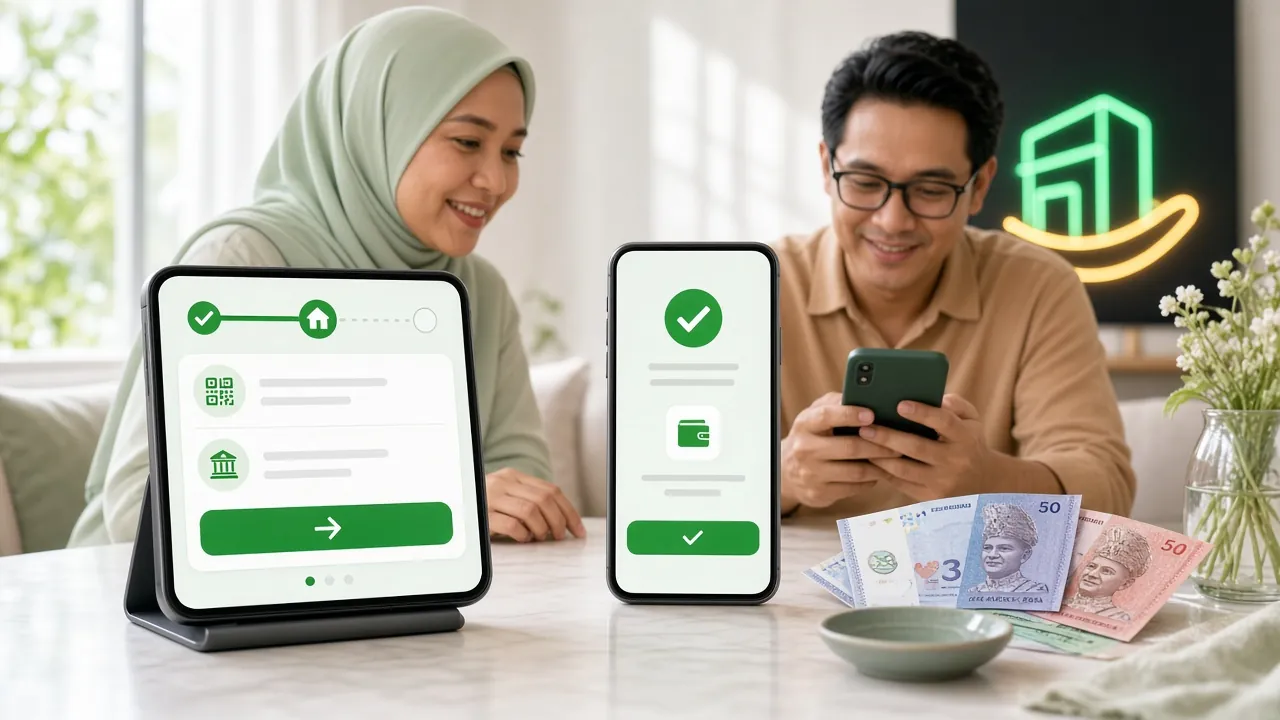
Payment Methods at a Glance
fc66 supports four payment methods tailored for Malaysian players. All of them credit your account in roughly the same time — about 1 minute — so your choice usually comes down to whichever app or banking portal you already use daily.
- Touch 'n Go eWallet ~1 min
- DuitNow ~1 min
- FPX Online Banking ~1 min
- Bank Transfer ~1 min
General Deposit Steps: How It Works at fc66
Regardless of which payment method you choose, the overall flow at fc66 is the same five steps. Method-specific instructions follow in the sections below.
-
1
Log in to your fc66 account
Go to fc66 Login and sign in with your registered username and password. If you do not have an account yet, register here — it takes under two minutes.
-
2
Open the Cashier / Deposit page
Click the wallet icon or the "Deposit" button in the top navigation bar. The cashier page loads within the same browser tab — no separate app required on desktop.
-
3
Select your preferred payment method
Choose from Touch 'n Go eWallet, DuitNow, FPX Online Banking, or Bank Transfer. The page updates to show method-specific instructions and a payment reference number.
-
4
Enter the deposit amount and confirm
Key in the amount you want to deposit (minimum RM20). Double-check the figure before submitting, as the cashier does not allow mid-flow edits once the payment request is created.
-
5
Complete payment and wait for confirmation
Follow your chosen method's steps (detailed below). Once the payment processor confirms the transaction, your fc66 wallet balance updates automatically — typically within 1 minute. You will see a green confirmation banner on screen.
Touch 'n Go eWallet — Deposit Steps
Touch 'n Go eWallet
Touch 'n Go is the quickest option for most Malaysians. The entire flow happens between the fc66 cashier and your TNG app — no bank OTP or internet banking login required.
-
1
Select "Touch 'n Go eWallet" in the cashier
A QR code and a deep-link button appear on screen. On mobile, tap "Open in TNG App" to skip the QR scan.
-
2
Scan the QR code or tap the deep-link
Open your Touch 'n Go eWallet app, tap the QR scanner icon, and point it at the on-screen code. The payment amount is pre-filled — verify it matches your intended deposit.
-
3
Authorise with your TNG PIN or biometrics
Confirm with your six-digit PIN or fingerprint/Face ID. The app shows a "Payment Successful" screen immediately on approval.
-
4
Return to fc66 — balance updates in ~1 minute
Switch back to the fc66 cashier tab or app. The confirmation banner appears once the payment is verified. If it takes longer than 3 minutes, use 24/7 Live Chat with your TNG transaction ID.
DuitNow Transfer — Deposit Steps
DuitNow
DuitNow lets you transfer directly from your bank account using a proxy ID (mobile number, NRIC, or account number). It works through any DuitNow-enabled bank app or internet banking portal.
-
1
Select "DuitNow" in the cashier
The cashier displays a DuitNow proxy ID — usually a phone number or account number — along with the exact amount to transfer. Note the payment reference shown on screen.
-
2
Open your bank app and start a DuitNow transfer
Go to "Transfer" → "DuitNow" in your bank app (Maybank2u, CIMB Clicks, RHB Now, etc.). Enter the fc66 proxy ID exactly as shown.
-
3
Enter the deposit amount and the payment reference
Key in the same amount you entered in the fc66 cashier. In the "Reference" or "Memo" field, paste the payment reference number — this is how the system matches your transfer to your account.
-
4
Authorise the transfer with your bank's TAC/OTP
Approve with your bank's Transaction Authorisation Code sent via SMS. Once the bank confirms, return to fc66 — your balance should update within 1 minute.
FPX Online Banking — Deposit Steps
FPX Online Banking
FPX (Financial Process Exchange) redirects you to your bank's own secure login page. No bank details are ever shared with fc66 — the transaction is processed entirely by your bank and PayNet.
-
1
Select "FPX Online Banking" and choose your bank
A dropdown lists over 30 Malaysian banks. Pick yours — Maybank, CIMB, Public Bank, RHB, Hong Leong, Ambank and more are supported.
-
2
You are redirected to your bank's login page
The URL in your browser should show your bank's official domain. Log in with your usual internet banking username and password. Never enter banking credentials on any other page.
-
3
Confirm the pre-filled payment details
The amount and merchant name (fc66) are pre-populated by FPX. Verify both figures match what you entered in the cashier, then approve the transaction with your bank's OTP or secure code.
-
4
Wait for the redirect back to fc66
Your bank redirects you back automatically. The fc66 cashier shows a success message and your wallet balance refreshes. The whole process typically takes under 1 minute.
Bank Transfer — Deposit Steps
Bank Transfer (IBG / IBFT)
Direct bank transfer is the fallback option if FPX or e-wallets are temporarily unavailable. This method uses Interbank GIRO (IBG) or Instant Interbank Fund Transfer (IBFT).
-
1
Select "Bank Transfer" in the cashier
The cashier displays a bank account number, beneficiary name, and a unique payment reference. Take a screenshot or copy these details before leaving the cashier page.
-
2
Initiate the transfer from your bank
Log in to your internet banking or mobile banking app. Create a new IBFT or IBG payee using the details shown. For IBFT, the transfer is near-instant; IBG may take slightly longer during off-peak hours.
-
3
Include the payment reference in the remarks field
This is the most important step for Bank Transfer. The system uses the reference to match your transfer to your fc66 account. Without it, verification requires manual review by the support team.
-
4
Upload your transfer receipt in the cashier
Some transfer prompts ask you to upload a screenshot of the bank's transaction confirmation. This speeds up verification if automatic matching is delayed. Balance typically credits within 1 minute for IBFT.
Common Deposit Problems and How to Fix Them
Most deposit issues at fc66 resolve within minutes. Below are the problems players report most often, along with the exact steps to take.
| Problem | Likely Cause | Fix |
|---|---|---|
| Balance not updated after 3 minutes | Network delay between bank and payment processor | Contact 24/7 Live Chat with your bank transaction ID or TNG receipt number |
| FPX returns "Transaction Failed" | Bank session timeout or daily bank transfer limit reached | Check your bank's daily online transfer limit; try again or switch to TNG/DuitNow |
| DuitNow proxy ID not found | Incorrect proxy ID entered or bank app cache issue | Re-copy the proxy ID from the fc66 cashier; clear your bank app cache and retry |
| TNG QR code expired | QR codes expire after 5 minutes for security | Refresh the fc66 cashier page to generate a new QR code; do not use an old screenshot |
| Bank Transfer credited to wrong account | Account number copied incorrectly or a new beneficiary account is active | Always use the account details from the current cashier session; contact Live Chat immediately if you transferred to the wrong number |
| Deposit shows as "Pending" in cashier | Receipt upload pending or manual review triggered | Upload a clear screenshot of your bank receipt; Live Chat can escalate pending reviews to the finance team |
Your First Deposit: Claim the 160% Welcome Bonus
Deposit FAQ
Quick answers to the questions fc66 players ask most about deposits.
What is the minimum deposit at fc66?
How long does an fc66 deposit take to show in my wallet?
Do I need to verify my account before depositing?
Is there a deposit fee at fc66?
Can I deposit using multiple payment methods in the same session?
My FPX payment was approved by my bank but fc66 still shows nothing — what should I do?
Does depositing via the fc66 app work differently from the website?
What happens to my deposit if I forget to include the payment reference for Bank Transfer?
- SSL Encryption
- 24/7 Live Support
- Touch 'n Go · DuitNow · FPX
- 18+ · Play Responsibly